How to Create Your Team in the Space Acceleration Network
Sign In
* If you already have an external wallet such as MetaMask, you should sign in with that to MoonDAO and skip ahead to Fund Your Wallet.
-
Visit MoonDAO.com
-
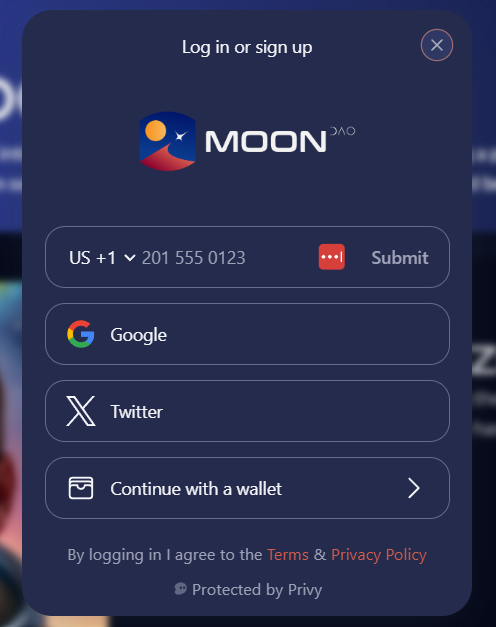
Click the “Sign In” button
-
Create a wallet with your phone number, email, or social sign in.
-
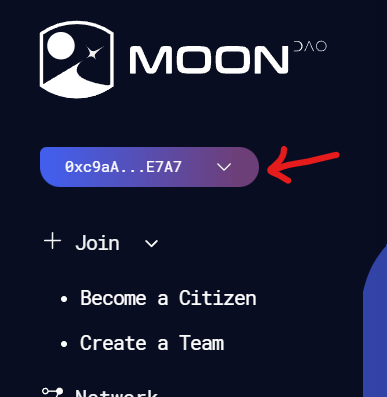
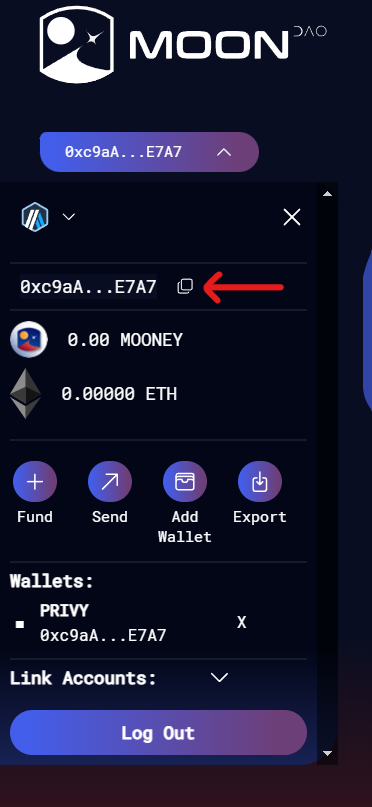
After creation, the “Sign In” button will change to display the first and last characters of your wallet address. Click on that button again to expand your wallet and copy your full address with the copy icon.

Price
Anyone can create a team. A year is 0.36 ETH on Arbitrum. There is no application and no member discount. Pay the amount shown at checkout.
Fund Your Wallet
-
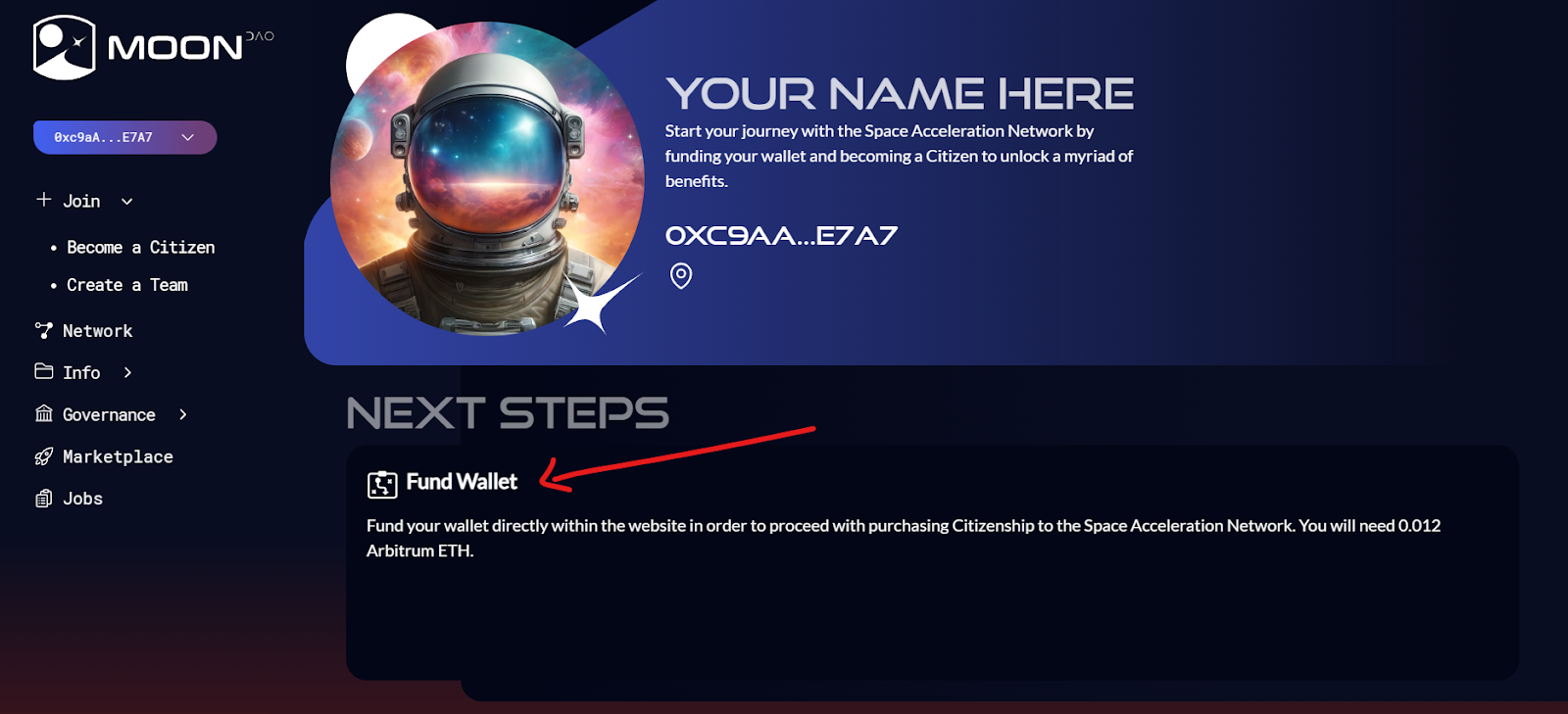
You can fund your wallet directly through the “Fund” feature in the top-right wallet menu using Coinbase onramp or MoonPay (not affiliated with MoonDAO). Debit cards are usually more successful at this step compared to credit cards.
-
Purchase Ethereum (ETH) on Arbitrum. A team year is 0.36 ETH, plus a little gas for the transaction. Create the team at /team.
What if you can’t fund your wallet at this step?
-
If MoonPay or Coinbase onramp aren’t working for you, you can create an account at Coinbase.com or any other central exchange, and purchase Ethereum directly.
-
It may take up to 3-5 business days for the funds to clear from your payment source and be available to transfer outside of Coinbase.
-
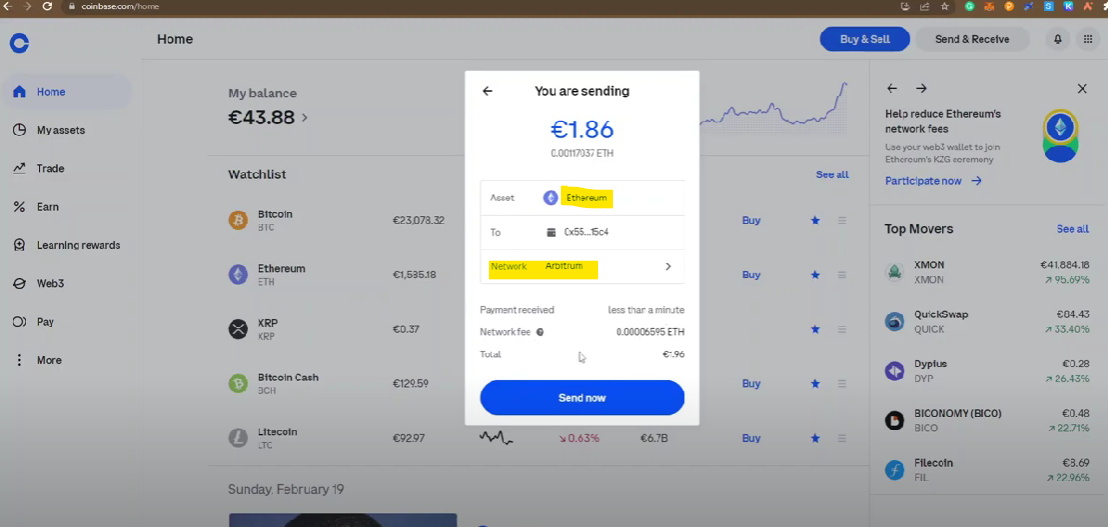
Once you’ve purchased ETH and your payment has cleared, transfer it to your MoonDAO wallet address on the Arbitrum network. Do not transfer on ETH mainnet or any other network or you will need to bridge funds to Arbitrum.
-
In Coinbase: click on “Transfer” in the top right > Send Crypto. Select “Ethereum” from the send asset selector, then change the network to “Arbitrum”. Send MAX to your wallet address.
See this video for help.
-
-
-
Upon funding your wallet, you can proceed to Create a Team.
Create a Team
* Please have Arbitrum ETH in your wallet. A year is 0.36 ETH, plus gas.
-
Visit the onboarding page: https://moondao.com/team
-
Click the “Sign In” button and sign in using the same method you used initially – your address should match the one you saw previously, otherwise you’ve signed in with a new method, log out and try a different login method.
-
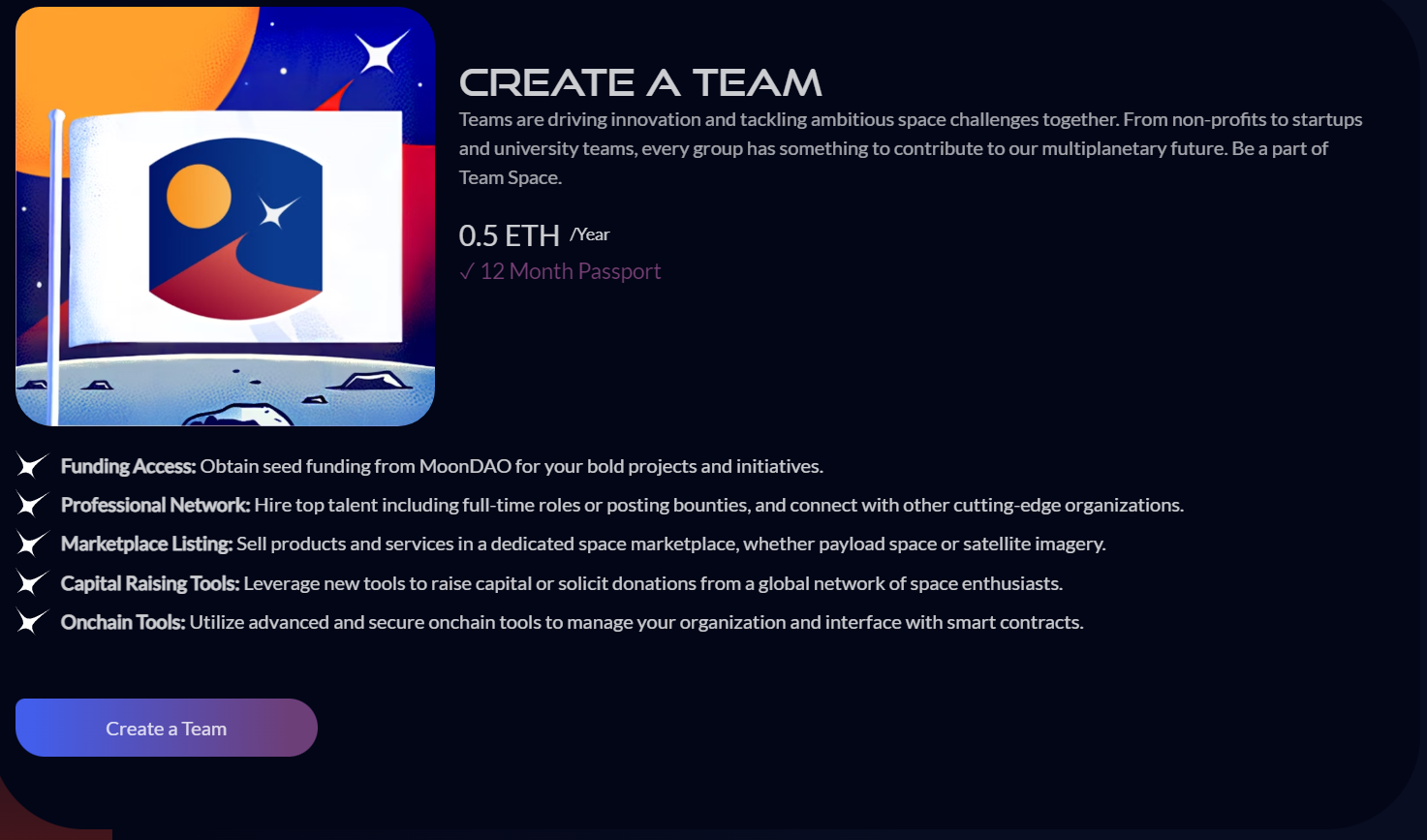
Click the “Create Team” button.
-
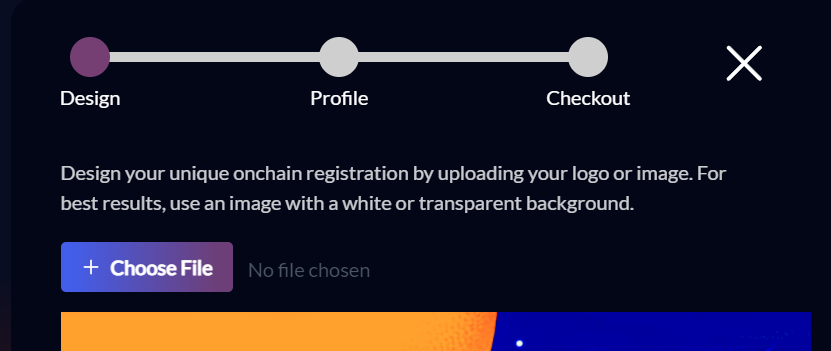
Click “Choose File” to upload your team’s logo. Use a transparent or white background image for best results with the lunar flag template.
-
When ready, click “Save Design” to continue to the next step.
-
Fill out your team’s public, on-chain profile details. There are a number of optional fields, which you can either fill out now or add later.
-
You will also need to fill out your contact information as part of the registration which will not be part of the public profile and will be kept private.
-
At checkout, review the photo, profile info, and review the terms and conditions.
-
Click “Create Team” to proceed to payment and follow the instructions in your wallet. Your wallet transaction and signature will finalize your purchase and create the team.