
How to Become a Citizen in the Space Acceleration Network
You can join with email (or phone or a social login) and pay at checkout with Apple Pay, Google Pay, or a card. You do not need to buy ETH, install a wallet, or bridge to Arbitrum before you start.
If you already have an external wallet such as MetaMask with ETH on Arbitrum, you can sign in with that wallet and use it to pay. Everyone else should use the checkout path below.
Sign in and start
-
Open https://moondao.com/citizen. You can also choose Become a Citizen on https://moondao.com/join.
-
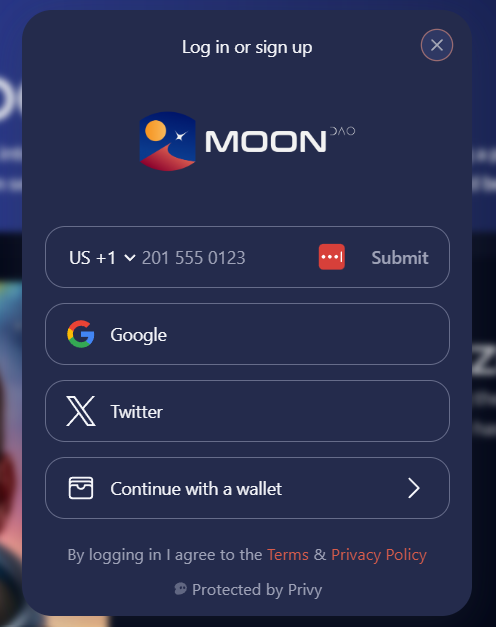
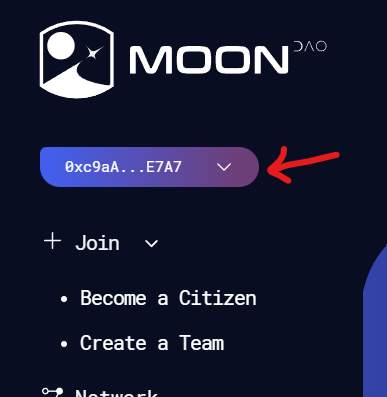
Click Sign In and create an account with email, phone, or a social login. MoonDAO creates a wallet for that login. The button then shows the start and end of that wallet address.
-
Stay on this page. Do not leave to buy ETH first.

Become a Citizen
-
Upload a photo for the astronaut portrait, or skip that and use your own photo. A front-facing headshot works best for the portrait.
-
Fill in your profile and review the terms.
-
Click Become a Citizen.
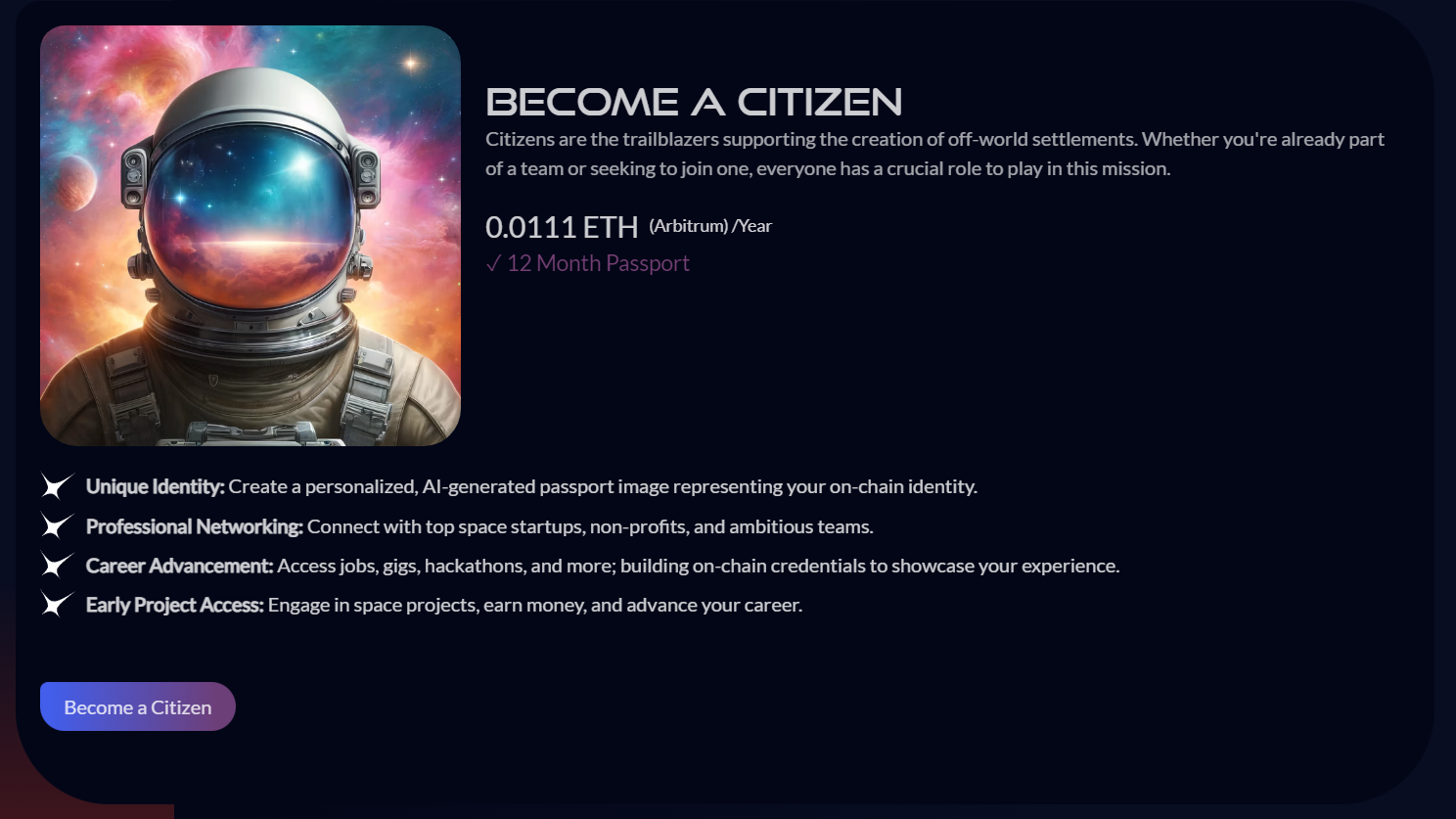
A year of citizenship is 0.036 ETH on Arbitrum. The same amount is on https://moondao.com/join, with a dollar estimate. Three quarters (0.027 ETH) pays for the membership. One quarter (0.009 ETH) buys MOONEY in that same payment. If you already have a vMOONEY lock and have approved it, the MOONEY is added to the lock. Otherwise it stays in your wallet, and the dashboard shows voting power you can claim by locking it for one year. Pay the amount shown at checkout.
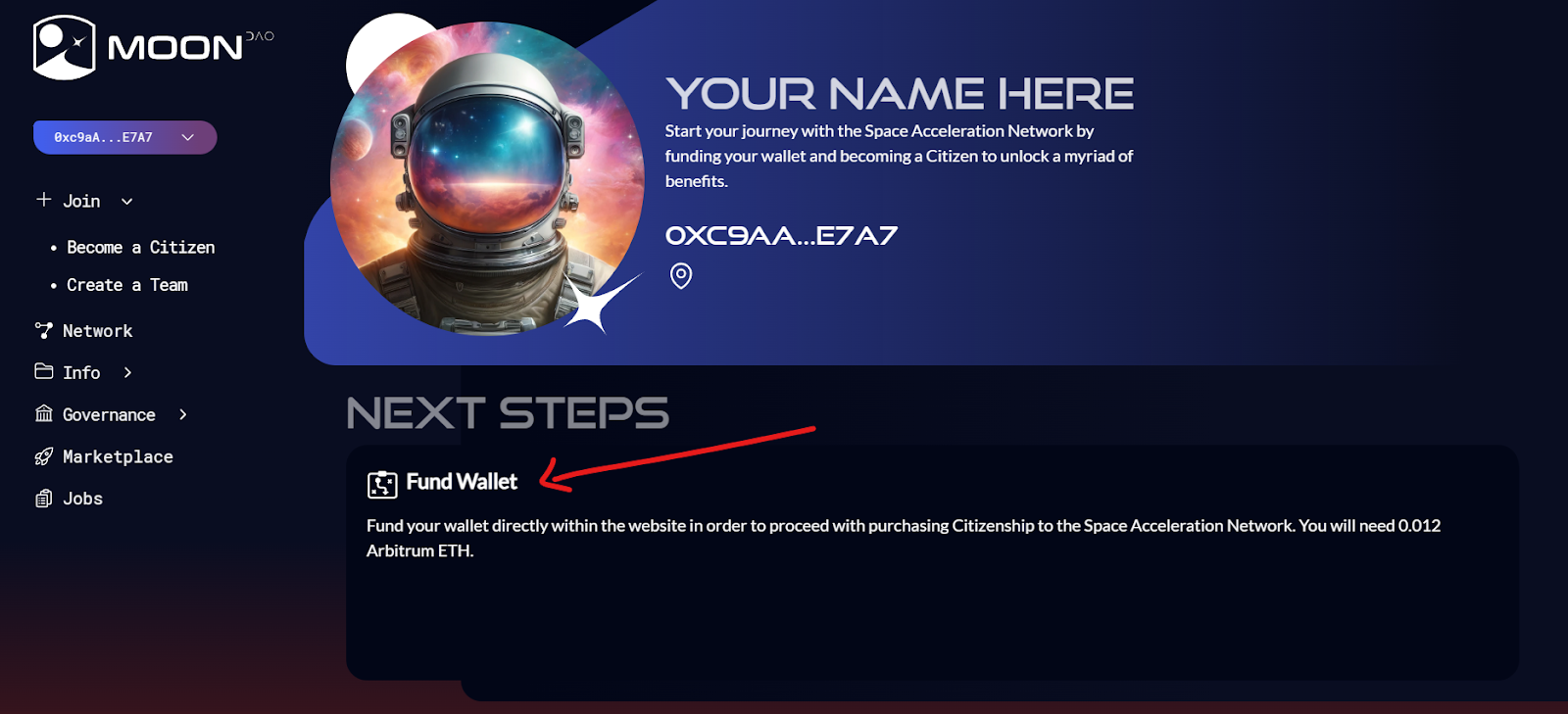
- If the wallet does not already have enough ETH, a Fund window opens for the amount due, including a small network fee.
- In the United States: pay with Apple Pay or Google Pay through Coinbase. No Coinbase account is required. Prepaid cards are declined on this path. If Apple Pay or Google Pay is not available, switch to MoonPay and pay with a debit or credit card. MoonPay is an independent provider, not MoonDAO.
- Outside the United States: MoonPay is the recommended option. Pay with a debit or credit card, Apple Pay, Google Pay, or a bank transfer. No account is required. Use Coinbase only if you already have a Coinbase account.
- When the ETH arrives, the page continues and you confirm the mint in the wallet. That confirmation spends the ETH you just bought. It is not a second charge. MoonPay can take longer than Apple Pay (often several minutes, sometimes up to about half an hour).
- You land on your new profile. Use the pencil icon to add a bio and links, and confirm that save in the wallet.
If card checkout does not work
Use this only when Apple Pay, Google Pay, and MoonPay fail.
-
Buy ETH on Coinbase.com or another exchange. A card purchase there can take 3–5 business days before it can be withdrawn.
-
On MoonDAO, open the wallet button in the top right, then copy your full address.
-
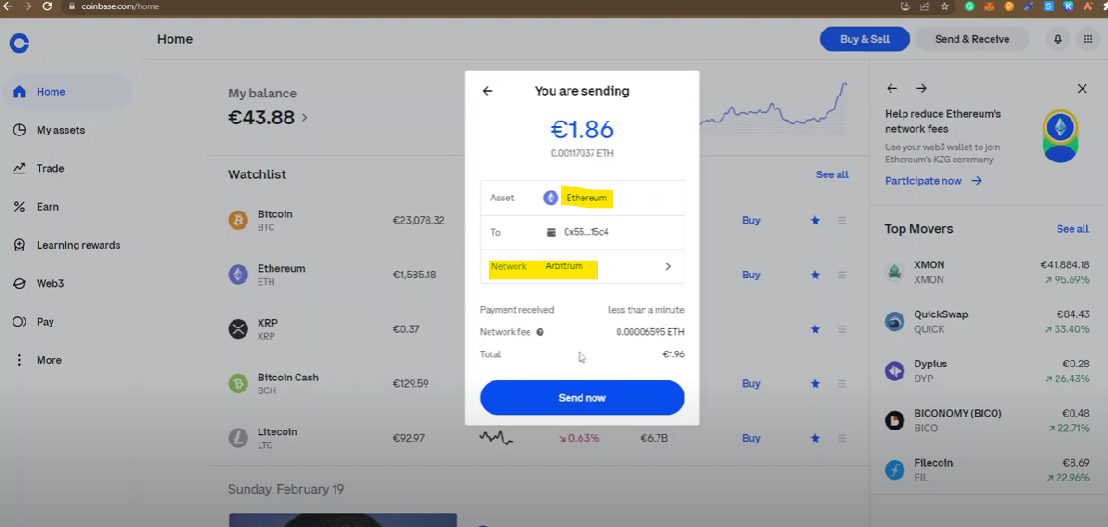
Send the ETH on the Arbitrum network to that address. If you send it on Ethereum mainnet or another network, bridge it to Arbitrum before you try again: https://bridge.arbitrum.io.
- In Coinbase: Transfer → Send crypto → Ethereum, then set the network to Arbitrum.
See this video for help.
-
Return to https://moondao.com/citizen, sign in with the same method, and click Become a Citizen.
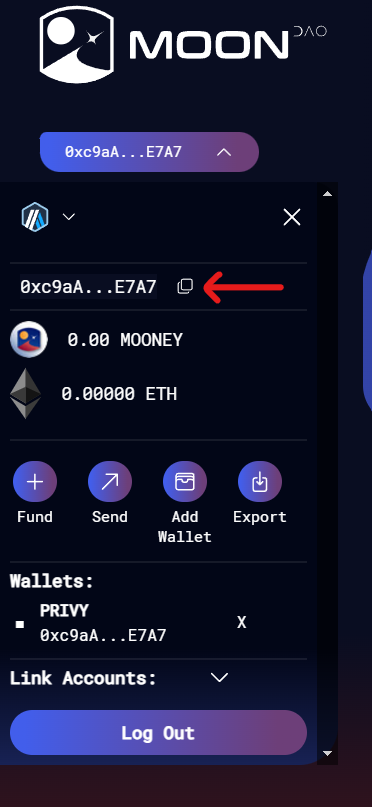
You can also add ETH later from the same top-right wallet menu: Fund. You do not need to do that before joining.
If you get stuck, submit a ticket in MoonDAO’s Discord.